HIGHLIGHTS
- Armored Core 6: Fires of Rubicon players can download patch 1.03 now, which fixes over 20 bugs and improves the overall experience.
- The update also adds new features, including an option for spectators to quit watching matches early and a new parameter called Scan Standby Time.
- The patch is necessary for online play, and players who don't update their games will no longer be able to participate in multiplayer.
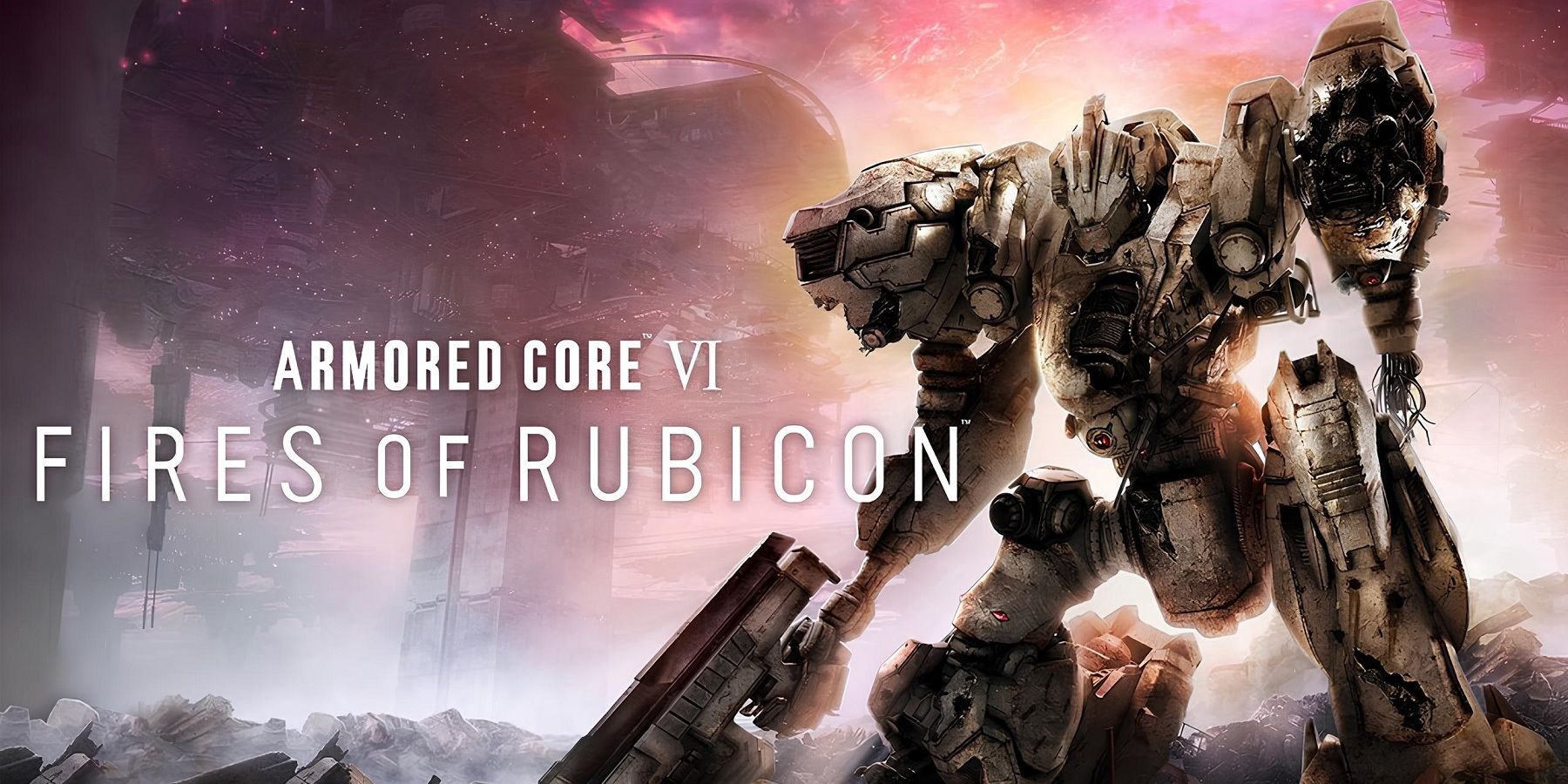
Armored Core 6: Fires of Rubicon players can download patch 1.03 right now. FromSoftware released the previous Armored Core 6 patch just a couple of weeks ago, fixing a few bugs and changing the balance of some bosses and weapons, and the new update continues to improve the experience.
Armored Core 6 has proven to be quite popular so far. Armored Core 6 received glowing reviews from most critics, but the experience is not without issues. Post-launch updates have been released to address bugs and fan feedback.
The new Armored Core 6: Fires of Rubicon 1.03 update changes the game in small but important ways, and it’s currently available for all platforms. Over 20 bugs are fixed by the patch, such as one that caused some enemies to get stuck into terrain during Armored Core 6’s “Intercept the Redguns” mission. Other targets of the update include a bug that caused enemies to stop appearing in the “Escort the Weaponized Mining Ship” mission, a glitch that prevented damage caused by status effects from appearing on the screen, and others. Also, three specific issues related to the Steam version were fixed, including one that caused Armored Core 6 to crash when changing the game’s graphics while in a multiplayer room.
Aside from bug-fixing, the new update also adds a few features to Armored Core 6, such as creating an option for spectators of online matches to quit watching before the fight’s end via a button or adding a new parameter called Scan Standby Time to head part specs. It’s important to note that the 1.03 patch is necessary for online play, therefore players who don’t update their games will no longer be able to participate in any multiplayer capacity.
While the patch will likely make Armored Core 6 even better, not all updates have been unanimously liked by the community. For instance, Armored Core 6 players had mixed opinions on Balteus’s nerf. Balteus is the final boss of Chapter 1 and is considered a very difficult fight by most people. The 1.02 patch gave Balteus a small nerf by making it easier for gamers to avoid his missile waves. However, the community has been fairly divided on the matter, with some people welcoming the change, while others believe it erodes the hardcore spirit of the game.
Armored Core 6: Fires of Rubicon Update 1.02
Additions
- When spectating an online match, the “QUIT SPECTATE” option has been added to the menu, allowing spectators to return to the multiplayer room.
- Added “Chg. Ammo Consumption” parameter to the “IB-C03W3: NGI 006” coral missile part specs shown via “Toggle Display”.
- Added “Scan Standby Time” parameter to head part specs shown via “Toggle Display”.
Bug Fixes
- Fixed a bug that caused certain enemies or enemy actions to get stuck on terrain during the mission “Intercept the Redguns”.
- Fixed a bug that caused enemies to stop appearing when the player stands in a certain spot during the mission “Escort the Weaponized Mining Ship”.
- Fixed a bug that caused defeated enemies to remain visible on radar during the mission “Breach the Karman Line”.
- Fixed a bug that caused the second shot of certain burst fire weapons to veer heavily off target when fired while performing a drift turn on Tank legs.
- Fixed a bug that caused boost to disable under certain conditions with Tetrapod legs equipped.
- Fixed a bug that occurred with the “VP-66LS” laser shotgun equipped to the left hand, which caused a longer delay than intended between firing a charge shot and being able to fire a normal shot again.
- Fixed a bug with the “VP-60LT” laser turret, where it would not respond to the sub-generators during the mission “Destroy the Weaponized Mining Ship”.
- Fixed a bug that occurred while reloading the “Vvc-700LD” laser drone, which caused player AC orientation to lock to a target, even with Target Assist disabled.
- Fixed a bug that caused incorrect icons to be displayed for intended damage type or reload type in the part specs for certain weapon parts.
- Adjusted the timing window of being able to use repair kits while firing certain weapons.
- Fixed a bug with certain melee weapons that caused the “Chg. Attack Power” parameter to display an unintended value in the part specs shown via “Toggle Display”.
- Fixed a bug that occurred after firing a charge shot during assault boost, which caused a consecutive normal shot to fire unintentionally.
- Fixed a bug that prevented damage caused by status effects from being displayed on the HUD.
- Fixed a bug that caused the game to crash from the “AC Data” menu in certain situations.
- Due to behavioral issues in photo mode, removed the “Motion Blur” option and added the “Camera Blur” option.
- *NB: We plan to restore the Motion Blur option in a future update.
- Fixed a bug that prevented Trophies/Achievements from unlocking under certain circumstances if unlock requirements involved acquiring parts.
- *NB: If any of the following Trophies/Achievements fails to unlock, go to the Shop menu and sell any part from the relevant category. Buying the part back again will trigger the unlock.
- “Weapon Collector”
- “External Parts Collector”
- “Internal Parts Collector”
- *NB: If any of the following Trophies/Achievements fails to unlock, go to the Shop menu and sell any part from the relevant category. Buying the part back again will trigger the unlock.
- Changed behavior in online match rooms, so that players are informed when the match is starting even while they have another menu open (e.g. Assembly).
- Fixed a bug that caused screen transitions to behave incorrectly when launching the game by accepting an online match invite.
- Other performance improvements and minor bug fixes.
Steam
- Fixed a bug that occurred when changing screen mode, which caused the HUD to render incorrectly.
- Fixed a bug that caused the game to crash when changing graphics settings from the System menu while in a multiplayer room.
- Share IDs are now recognized when entered either upper or lower case.
Other Changes
- Updated “Data Usage Agreement” text for the Japanese version.
- *NB: After applying the update, the confirmation screen will appear once more for all players.
Armored Core 6: Fires of Rubicon is available now for PC, PS4, PS5, Xbox One, and Xbox Series X/S.

No comments:
Post a Comment